Make yourself at home.
Install the Chrome extension, create your account, and verify your email. Your sign-in is managed automatically.
 TikTok Translate.Get started
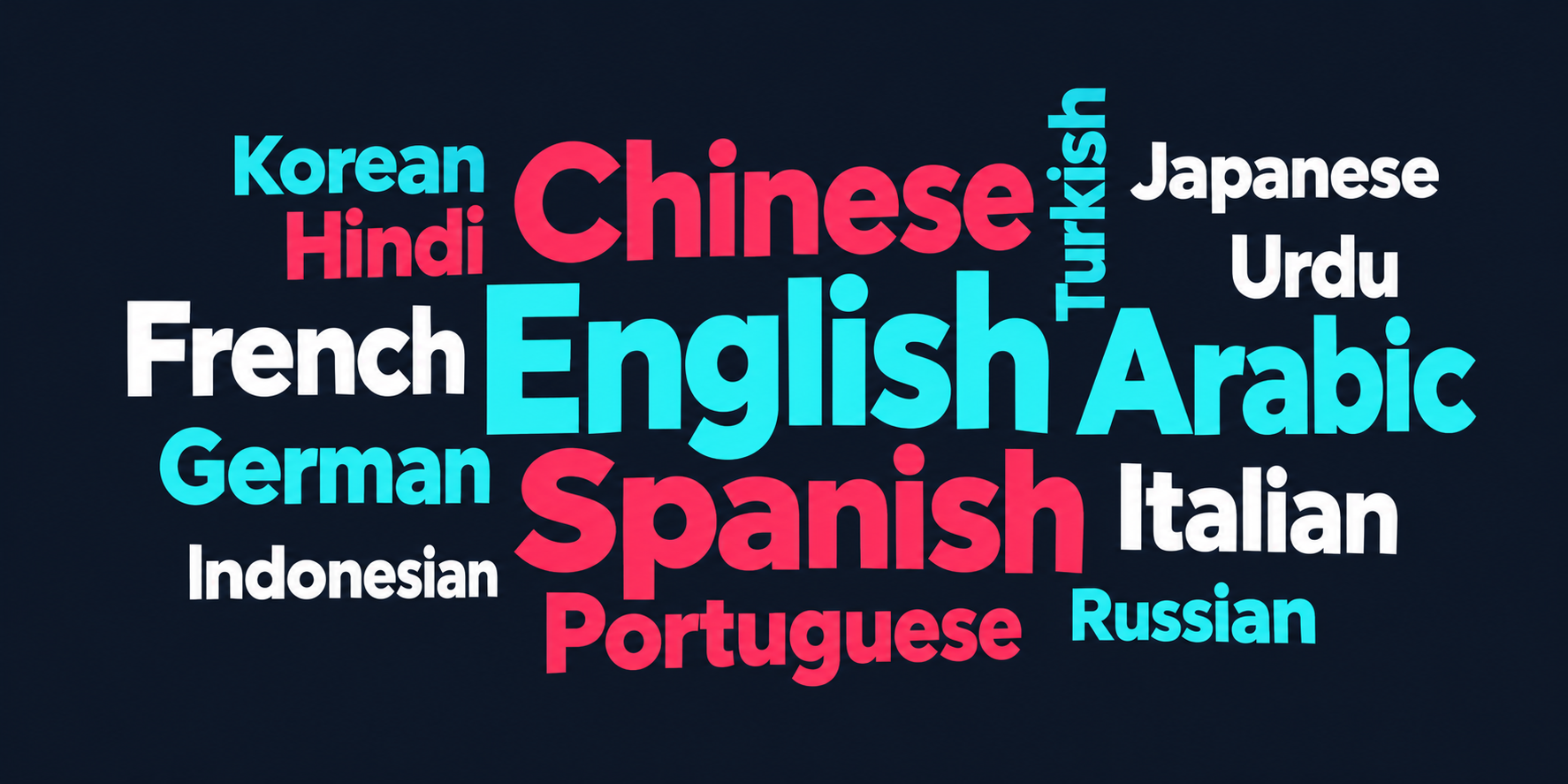
 Translate comments directly on TikTok’s website with our Chrome extension. Choose from 15 languages and translate individual comments or automatically translate as you scroll.
Free to use. No credit card required.
Chrome extension · Coming soon to the Chrome Web Store
Interactive illustration with sample comments. No text is sent from this demo.
No copy-paste routine. No bouncing between tabs. Just a little more understanding, right beside the original comment.
Install the Chrome extension, create your account, and verify your email. Your sign-in is managed automatically.
Pick from 15 translation languages in the toolbar popup. Change it whenever you like.
Translate individual comments or switch on automatic translation for visible comments. Show or hide translations in place.
“me estás tomando
el pelo 😂”
“You’re pulling
my leg 😂”
A good translation needs room for slang, sarcasm, and the person being replied to. TikTok Translate can use nearby parent-comment context to help interpret a reply.
AI translations can make mistakes. Use the original text and context when meaning matters.
Pick the language you want to read.
We’ll meet you there.
TikTok Translate is coming to the Chrome Web Store. Once the extension is approved and published, you’ll be able to install it directly from this page.
Coming soon to the Chrome Web Store
Free to use. No credit card required.
Installation is not available yet. Check back for the official store link.
No copying comments or switching tabs. Translate individual comments or turn on automatic translation as you scroll.
Yes. TikTok Translate will be free to use at launch, with no credit card required. Once it’s available in the Chrome Web Store, create an account and verify your email to start translating. Usage limits apply to keep the service available for everyone.
There are no ads or paid plans at launch. We plan to introduce clearly labeled sponsor placements inside the extension popup, with an optional paid upgrade to remove them. Translation features will remain available in the free version. Pricing and availability will be announced before these options launch.
This release is a Chrome extension for TikTok’s website. It doesn’t add translation controls inside the native TikTok app on iPhone or Android. Mobile integrations are being explored; they are not available in this release.
Create a TikTok Translate account and verify your email with the code sent to your inbox. You don’t need a translation-provider API key or a manually entered device token. Your TikTok password is not requested.
Yes. In the extension popup, choose your target language, enable “Automatically translate visible comments,” and save preferences. Visible comments are processed as you scroll. You can also translate comments individually.
Confirm the extension is enabled, sign in with a verified account, and refresh your TikTok tab. If you have an older installation, disable it so only one version runs. Daily usage limits and temporary service issues can also affect translation; check the message beside the comment.
Check your spam folder and the email address you entered. In the extension, choose “Send a new code.” Wait at least 60 seconds between requests, and use the newest code. Codes expire after 15 minutes and have a limited number of attempts.
No. TikTok Translate is an independent product and is not affiliated with, sponsored by, or endorsed by TikTok.
Use our Support form for account help, translation issues, installation questions, or feedback. You can also email support@tiktoktranslate.com. We’ll reply to the email address you provide.
Stuck on something? Have a translation to flag? Send us a message and we’ll reply by email.
support@tiktoktranslate.com ↗Interested in sponsoring TikTok Translate? Choose “Sponsorship & partnerships” below and tell us about your company.
The extension sends comment text and available parent-comment context to our translation service and its AI provider. Automatic mode processes visible comments as you scroll. This website’s illustrative demo sends no comment text. Read our Privacy Policy ↗
The service stores your email address, a salted password hash, email verification status, and account sessions. Passwords and session tokens are not stored as plain text on the server. The extension stores your session and preferences locally in storage restricted to trusted extension contexts.
Comment text, the selected target language, and bounded parent-comment context are sent for translation. Translated results can be cached for up to 24 hours, scoped to your account and language. Expired entries are removed on later cache writes. Processing and retention by the AI provider follow that provider’s settings and policies.
The service keeps usage counters and rate-limit records to enforce quotas and reduce abuse. Resend processes your email address to deliver verification codes. Codes expire after 15 minutes. Sessions expire after 30 days unless revoked sooner by signing out.
Cloudflare Turnstile checks support submissions for automated activity. Its verification service processes browser and device signals; our server validates the result before sending email. The support form sends your name, email address, topic, and message through our service and Resend to support@tiktoktranslate.com. Your email is included as the reply address. Our service caches a delivery reference and a hash of the submission for up to 24 hours to avoid duplicate emails; the message itself is delivered to the support mailbox. Email providers and the support mailbox process and retain the email.
On tiktoktranslate.com, this page uses Google Analytics to measure website visits and usage. Google may process browser identifiers and device information. Advertising personalization and Google signals are disabled in our tag configuration. Support form fields and comment text are not included in our analytics events. The hosted preview is excluded from Analytics. Hosting requests may be recorded by the hosting provider. The examples are illustrative and do not call the translation service.
Summary only. Read the full Privacy Policy, effective October 16, 2026, including retention details and how to request account deletion.
me estás tomando el pelo 😂
You’re pulling my leg 😂
An idiom for teasing someone, not literally pulling hair.